

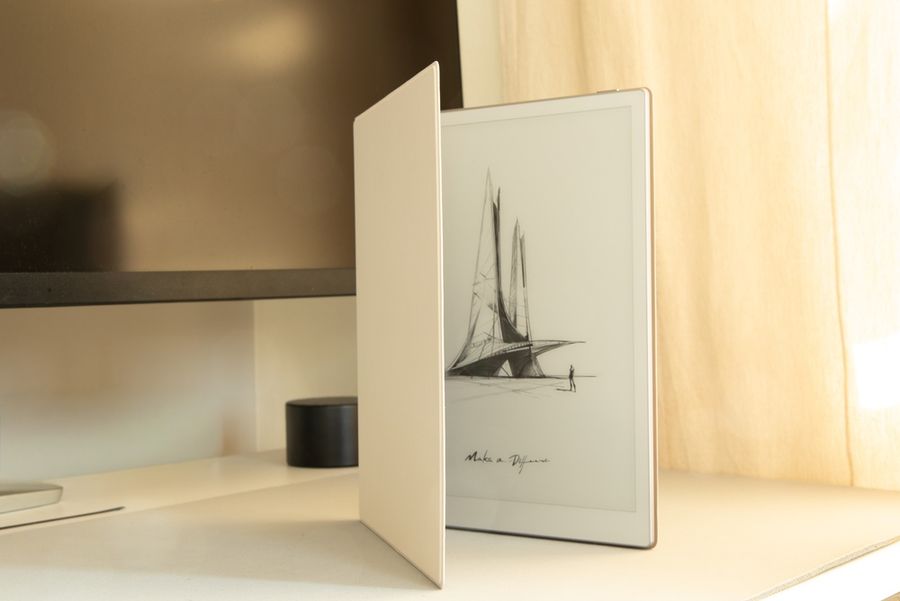
A good E-Ink tablet can replace stacks of notebooks without recreating every distraction of a conventional tablet. The best models emphasize handwriting, document annotation, organization, and long periods of focused reading rather than constant notifications and entertainment. Some deliberately restrict third-party apps, while others offer more flexibility at the cost of potential distractions. Screen size, front lighting, note organization, storage, and software openness all determine which tablet fits a particular style of focused work.
reMarkable Paper Pro Keeps the Software Focused
The reMarkable Paper Pro uses an 11.8-inch Canvas Color display based on E Ink Gallery 3, provides 64 GB of internal storage, and includes an adjustable reading light. Its note tools include nine writing instruments, templates, folders, tags, handwriting-to-text conversion, and handwritten-note search.
Its biggest advantage for distraction-free work is the operating system. The software is designed specifically around writing, reading, reviewing documents, and organization rather than access to a conventional app store. Files can still move into the workflow through integrations with Google Drive, Microsoft OneDrive, and Dropbox.
This balance makes the Paper Pro particularly appealing for meetings, handwritten planning, document review, and long-form thinking. The larger color screen also gives diagrams, annotations, and highlighted documents more room than a compact digital notebook.
Supernote Manta Prioritizes Handwriting and Organization
The Supernote Manta has a 10.7-inch flexible E Ink display with 300 pixels per inch and uses the FeelWrite 2 surface with a ceramic stylus nib designed not to require routine replacement. The device has 32 GB of built-in storage and supports microSD expansion up to 2 TB.
Its note organization tools allow users to structure material with headings, keywords, stars, and links. Offline handwriting recognition is also available, and files can be transferred without cloud dependence through a USB drive or local Wi-Fi.
The Manta deliberately omits a front light, which produces a paper-like screen in natural or room lighting but means users need an external light in dark environments. Its software is based on Android but is specifically designed around writing and document work rather than functioning like a general-purpose Android tablet.
Kindle Scribe Combines Notes With an E-Reader
The current Kindle Scribe offers an 11-inch paper-like, glare-free display with a front light and includes built-in notebooks alongside Kindle reading. Users can write in notebooks, documents, and supported books with the included pen.
Notebook features include handwritten-note search, handwriting conversion to text, and AI tools that can search and summarize notes. Notes can also be viewed through the Kindle mobile app, making it easier to consult handwritten material without carrying the Scribe itself.
This model makes particular sense for someone who wants one E-Ink device for both serious reading and handwritten notes. Its connection to the Kindle ecosystem is a significant distinction from devices built primarily as digital notebooks. The tradeoff is that people focused almost entirely on sophisticated note organization may prefer a platform whose software was designed first around notebooks rather than ebooks.
BOOX Note Air4 C Offers the Most App Flexibility
The BOOX Note Air4 C uses a 10.3-inch Kaleido 3 color E-Ink display, 6 GB of RAM, 64 GB of storage, and Android 13. It supports third-party app installation and includes templates, brushes, layers, handwriting tools, and other functions within its native note software.
That openness can be an advantage when note-taking needs to coexist with cloud storage, reading services, communication platforms, or specialized Android applications. The device also has an adjustable front light and several display-refresh options intended to balance responsiveness against E-Ink ghosting.
The same flexibility creates the clearest compromise in this group. Because conventional Android apps can be installed, the Note Air4 C does not enforce distraction-free use in the way a tightly controlled notebook platform can. Users who choose it specifically for focus may need to keep the installed app selection deliberately limited.
Decide How Much Flexibility You Actually Need
A distraction-free tablet does not necessarily need the fewest features. It needs the right features close at hand without making unrelated activities equally accessible. Someone who spends hours reviewing PDFs may value color annotation and a front light. A writer building interconnected notebooks may care more about headings, links, and handwriting organization.
Consider where the device will be used as well. The Paper Pro and Kindle Scribe provide built-in lighting for evening sessions, while the Manta relies on external illumination. The BOOX offers greater software freedom, but that advantage matters only when third-party apps are genuinely part of the intended workflow.
Screen dimensions also influence practicality. Larger displays offer more writing room and make full-page documents easier to view, but they occupy more space in a bag and on a small desk. Storage matters less for ordinary handwritten notes than for users maintaining large document, ebook, or image libraries.
Choose Focus Before Features
The reMarkable Paper Pro is strongest for a deliberately restricted writing environment with a large color screen. The Supernote Manta favors structured handwriting, expandable storage, and an intentionally notebook-centered experience. Kindle Scribe is compelling for people who want reading and handwriting on one device, while the BOOX Note Air4 C provides the broadest software flexibility.
The best choice comes down to what should disappear when the tablet turns on. If social apps, browser tabs, and constant alerts are the problem, a more controlled platform can be an advantage rather than a limitation. A well-matched E-Ink tablet should make opening a notebook easier than opening another distraction.